# Membership Page

## To create Membership page:

1. Go to **Pages** from the admin menu
2. Click the **New page** button in the top right corner
3. Add the heading "**Membership"**&#x20;
4. Click <img src="https://609546565-files.gitbook.io/~/files/v0/b/gitbook-x-prod.appspot.com/o/spaces%2FEtsGfsW99UrVt2tgoUZE%2Fuploads%2FgzBIN3GHRnbZcGq8q8IP%2F%D0%A1%D0%BD%D0%B8%D0%BC%D0%BE%D0%BA%20%D1%8D%D0%BA%D1%80%D0%B0%D0%BD%D0%B0%202023-11-21%20%D0%B2%2011.43.10.png?alt=media&#x26;token=4c656b20-2d39-4a9d-9dd8-07d720fd6564" alt="" data-size="line"> icon in the top right corner to open the **Page settings**
5. Enter **`membership`** in **Page URL** setting input!
6. Click the **Template** selector and choose the **Membership** option
7. If you want, you can add an **excerpt**, that would be under the **"Membership"** title. To do this, add your preferable text inside the **Excerpt** setting text input.
8. Click **Publish**

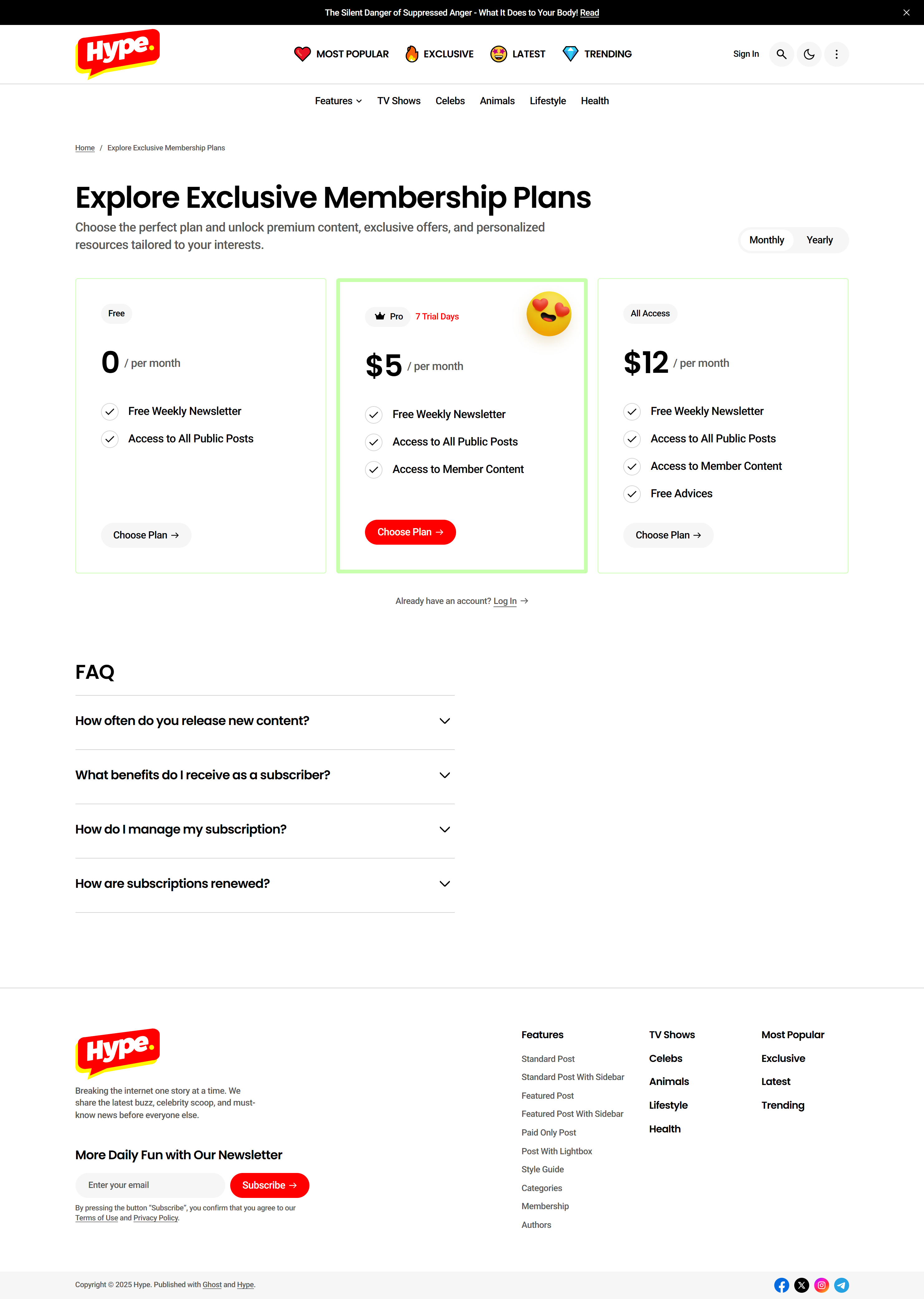
<figure><img src="https://609546565-files.gitbook.io/~/files/v0/b/gitbook-x-prod.appspot.com/o/spaces%2FEtsGfsW99UrVt2tgoUZE%2Fuploads%2Fld6882P4bdLfrsLMoJyU%2Fhype.highfivethemes.com_membership_.png?alt=media&#x26;token=9a6eb0f3-3539-4e22-b5f7-0f66c9819da8" alt=""><figcaption><p>Membership Page</p></figcaption></figure>

{% hint style="info" %}
The **Membership** page in our theme supports adding **content** (e.g. **FAQs**). You can add any content you want, and it will be under membership tiers cards. **If you want to add FAQs:**

1. Add a **Heading (H3)** (e.g. "FAQ" or "FAQs").&#x20;

   <figure><img src="https://609546565-files.gitbook.io/~/files/v0/b/gitbook-x-prod.appspot.com/o/spaces%2FEtsGfsW99UrVt2tgoUZE%2Fuploads%2FyrEOZKT1ahikOdQi2TOQ%2F01.png?alt=media&#x26;token=c436112c-e02a-4b3e-9c22-c2109b840aee" alt=""><figcaption></figcaption></figure>
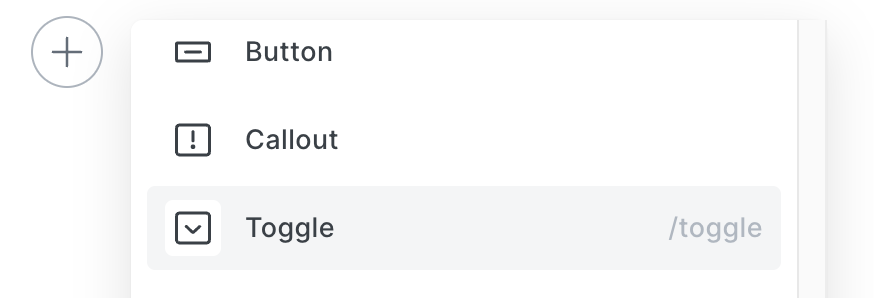
2. To add **a question with an answer** - just simply add **Toggle** element.&#x20;

   <figure><img src="https://609546565-files.gitbook.io/~/files/v0/b/gitbook-x-prod.appspot.com/o/spaces%2FEtsGfsW99UrVt2tgoUZE%2Fuploads%2FiRKMuGRnCouO7TkGMkvX%2F02.png?alt=media&#x26;token=d6b5d569-31e6-486b-8a52-57cb2c1f928f" alt=""><figcaption></figcaption></figure>

{% endhint %}

{% hint style="info" %}
Starting with Ghost 6.0, themes will display a maximum of 100 **tiers** on the membership page.
{% endhint %}